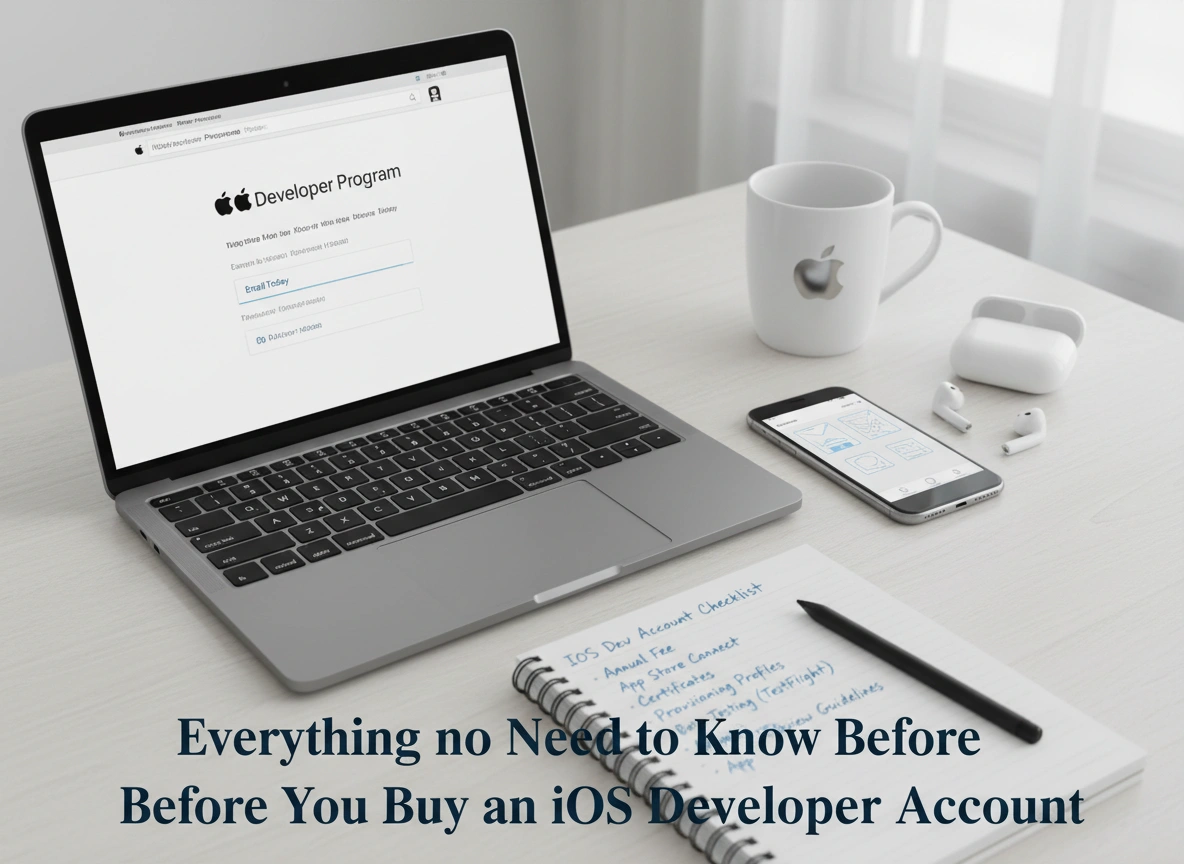
Building an app is an exciting journey. You have the idea, the designs are coming together, and the code is taking shape. But eventually, you hit a critical juncture: deployment. To get your application into the hands of millions of iPhone and iPad users, you need to cross a specific bridge—the Apple Developer Program.
For many new developers and businesses, buying an iOS Developer Account feels like a mere formality. However, it is a significant commitment that comes with specific rules, costs, and strategic advantages. This guide covers the essential details you need before making that investment, ensuring you start your iOS development journey on the right foot.
What is an iOS Developer Account?
An iOS Developer Account acts as your passport to the Apple ecosystem. It is a membership that grants you access to the tools, resources, and distribution channels needed to build, test, and release apps for Apple platforms. While people often refer to it as an “iOS” account, it actually falls under the broader umbrella of the Apple Developer Program.
This membership is not just for uploading apps. It provides a verified identity within the App Store. When users download your app, they see your name (or your company’s name) as the seller. This establishes trust and accountability. Whether you are an individual hobbyist or a large enterprise, this account is the gateway to reaching users on iOS, iPadOS, macOS, watchOS, and tvOS.
Without this account, your ability to distribute is severely limited. You can run apps on your own device for a short period using a free Apple ID, but you cannot distribute them to beta testers via TestFlight, access advanced capabilities like iCloud or Apple Pay, or publish to the public App Store.
Key Benefits of Having an Account
Why should you pay for access? The benefits extend far beyond simply having a “Publish” button.
Access to Beta Software
Membership gives you early access to beta versions of Apple’s operating systems. This is crucial for developers who want their apps to be ready the moment a new iOS version drops. You can test new features and ensure compatibility months before the general public sees the update.
Advanced App Capabilities
Many of the features that make modern apps powerful are locked behind this membership. If you want to integrate Siri, use iCloud for data storage, implement Apple Pay, or use Push Notifications to engage users, you must be a paid member. These capabilities often define the user experience and can be the difference between a good app and a great one.
TestFlight for Beta Testing
Quality assurance is vital. TestFlight is Apple’s platform for over-the-air installation and testing. It allows you to invite up to 10,000 external testers to try your app before it goes live. They can provide feedback directly through the TestFlight app, helping you catch bugs and refine features without the risk of public negative reviews.
App Analytics
Once your app is live, data becomes your best friend. The program provides comprehensive analytics that show who is using your app, where they are located, how often they crash, and which sources are driving downloads. This data is invaluable for marketing and future development decisions.
Cost and Requirements
Understanding the financial and documentation requirements upfront can save you significant time.
The Price Tag
For most individuals and organizations, the Apple Developer Program costs $99 USD per membership year. This is a recurring annual fee. If you stop paying, your apps are removed from the App Store (though users who already downloaded them can still use them).
There is also the Apple Developer Enterprise Program, which costs $299 USD per year. This is designed strictly for large organizations that need to distribute proprietary apps internally to employees. It does not allow App Store distribution. Apple has become very strict about who qualifies for this, so most businesses should stick to the standard $99 program.
Requirements for Individuals
If you are enrolling as an individual or sole proprietor:
- Two-Factor Authentication: Your Apple ID must have 2FA turned on.
- Legal Name and Address: You must provide your legal name and address. Your personal name will appear as the “Seller” on the App Store.
Requirements for Organizations
If you are enrolling as a company, non-profit, or government entity:
- A D-U-N-S Number: This is a unique nine-digit identifier provided by Dun & Bradstreet. It is used to verify your business’s legal status. It is free to acquire but can take a few weeks to process.
- Legal Entity Status: Your organization must be a legal entity (e.g., LLC, Inc., Corp). DBAs (Doing Business As) are not accepted.
- Legal Binding Authority: The person enrolling must have the legal authority to bind the organization to legal agreements.
- A Website: You need a publicly available website.
Step-by-Step Guide to Registration
Registering is usually straightforward, but getting the details right is critical to avoid delays.
- Create an Apple ID: If you don’t have one dedicated to your business, create a new Apple ID. It is highly recommended to keep your personal and Buy IOS Developer Account IDs separate.
- Enable Two-Factor Authentication: Turn on 2FA for this new Apple ID.
- Start Enrollment: Go to the Apple Developer website or download the Apple Developer app on an iOS device. Using the app is often faster for identity verification.
- Select Entity Type: Choose whether you are enrolling as an Individual or an Organization. Be careful here—changing this later is possible but involves a migration process that takes time.
- Enter Information:
-
- Individuals: Enter your personal contact info.
- Organizations: Enter your D-U-N-S number. Apple will automatically pull your legal entity name associated with that number.
- Verify Identity: You may be asked to provide a photo ID (driver’s license or passport).
- Pay the Fee: Complete the purchase using a valid credit card.
- Wait for Activation: Activation can be instant or take up to 48 hours. If there are discrepancies with your D-U-N-S number or legal name, Apple may request more documentation.
Common Challenges and How to Overcome Them
Even with a straightforward process, developers often hit roadblocks.
The D-U-N-S Number Delay
For organizations, the D-U-N-S number is the most common bottleneck. Sometimes the database Apple uses hasn’t updated even if Dun & Bradstreet has issued your number.
- Solution: Apply for your D-U-N-S number at least 2-3 weeks before you plan to buy the developer account. If you just received it, wait a few days before trying to enroll in the Apple program to allow databases to sync.
Name Mismatches
Your legal name on your government ID must match the name on your Apple ID exactly. A typo or a nickname (e.g., “Mike” vs. “Michael”) can cause rejection.
- Solution: Double-check your Apple ID details before starting enrollment. Ensure they mirror your legal documents perfectly.
App Store Review Rejections
While not strictly an account issue, many new account holders are shocked when their first app gets rejected.
- Solution: Read the App Store Review Guidelines before you code. Common rejections include incomplete metadata, buggy beta builds submitted as final, or apps that don’t offer enough functionality (web-wrappers).
Account Termination Risks
Apple takes its guidelines seriously. Accounts can be terminated for fraud, review manipulation (buying fake reviews), or repetitive guideline violations.
- Solution: Always play by the rules. Do not engage in “black hat” App Store Optimization (ASO) tactics. If your account is terminated, it is extremely difficult to open a new one.
Tips for Maximizing the Value of Your Account
Once you have the account, don’t let it sit idle until launch day. Use it to build a better product.
Utilize CloudKit
Your membership includes generous limits for CloudKit, Apple’s database solution. Instead of paying for a third-party backend immediately, see if CloudKit fits your needs. It handles authentication and sync automatically, saving you weeks of development time.
Engage with Apple Engineers
Each membership comes with two “Technical Support Incidents” (TSIs) per year. These allow you to ask for code-level support from Apple engineers. Don’t waste them on simple questions you can find on Stack Overflow. Save them for critical, blockers where you suspect a bug in Apple’s own SDKs.
Leverage Marketing Assets
Apple provides official “Download on the App Store” badges and product images. Using these correctly on your website and marketing materials adds legitimacy to your brand.
Join the Developer Forums
The paid account gives you posting privileges on the Apple Developer Forums. This is a great place to network and get answers from other experienced developers who have faced similar issues.
Conclusion
Buying an iOS Developer Account is a business decision that marks the transition from “coding” to “publishing.” It costs $99 a year, but the return on investment—access to a billion active devices, world-class testing tools, and a secure payment ecosystem—is immense.
Before you pull out your credit card, ensure your documentation is in order, especially if you are enrolling as a company. Prepare your D-U-N-S number, verify your legal status, and read up on the guidelines. By preparing correctly, you can breeze through the administrative hurdles and focus on what matters most: building an incredible app that delights users.